Can a Toner Cartridge Dry Out? Explained
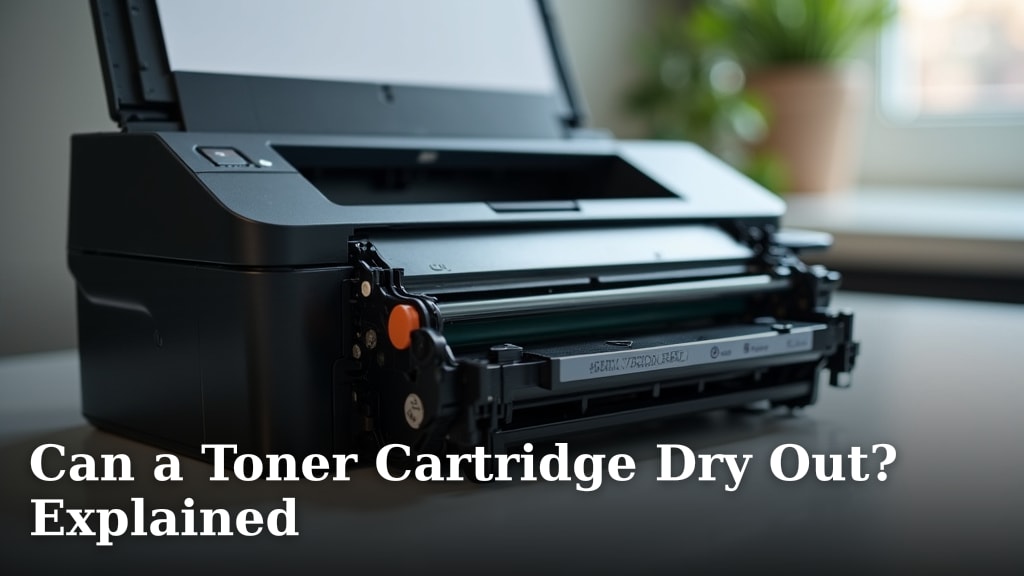
Yes, a toner cartridge can dry out if it sits unused for a long time. We found that the main reason is evaporation of moisture or settling of the toner powder inside the cartridge. This is especially common with cartridges that are opened but not immediately used.
Think of it like a bottle of paint left open. Over time, the liquid components can separate or dry up, making it harder to use. For toner, this means your printer might produce faded pages or stop printing altogether. It’s a common worry for anyone with a spare cartridge sitting on a shelf.
- Yes, toner cartridges can dry out from age and disuse.
- The main culprits are moisture loss and toner settling.
- Symptoms include faded prints or printer errors.
- Proper storage is the key to preventing this issue.
- The process is usually slow and preventable.
Below, we break down exactly why this happens, how to spot the signs, and what you can do to revive or store your cartridges correctly. Let’s walk through everything you need to know to keep your printer working smoothly.
Why Toner Cartridges Dry Out
Toner cartridges don’t have “ink” in the liquid sense. They use a fine plastic powder. So, they don’t dry out like a paint can. Instead, they suffer from two main problems: moisture loss and powder settling. Think of it like a bag of flour in your pantry. If it sits untouched, the ingredients can clump and separate.
The toner powder contains special chemicals to help it flow and stick to paper. These mixtures are balanced to work when fresh. Over time, especially in bad conditions, that balance gets thrown off. Exposure to air and temperature swings are the biggest troublemakers.
The Science Behind the Powder
Each tiny grain of toner is coated. This coating lets it hold an electrical charge from your printer. It also helps it melt onto the page. When a cartridge sits unused, the coating can degrade. The powder grains might also stick together. This creates clumps that are too big to flow through the cartridge’s narrow channels.
Many experts say heat is particularly damaging. A garage or a hot attic is a terrible storage spot. The heat can cause the chemical coating on the grains to break down faster. This process is slow, but it’s happening from the moment you open the box.
Moisture’s Surprising Role
You might not think moisture matters for powder. But toner powder is sensitive to humidity. It needs a certain level of moisture to prevent static and to flow properly. Very dry air can cause the powder to become “staticy.” This makes it clump inside the cartridge. A very humid environment is also bad. It can cause the powder to cake together. The ideal is a stable, moderate environment.
Settling: A Silent Problem
Just like a bottle of salad dressing separates, toner components can separate. The heavier particles might sink. The lighter, finer particles rise. When you finally use the cartridge, the printer tries to use this uneven mix. This leads to poor print quality or even a clog in the delivery system.
Signs Your Toner Cartridge Might Be Drying Out
You don’t have to guess. Your printer will give you clues. The key is to notice the difference between a normal low cartridge and a problematic one. Here’s what to look for.
The most common sign is faded, streaky prints. You’ll see vertical white lines or patches where the text is light. It might look like you’re out of toner, but the gauge says you have plenty left. Another telltale sign is toner dust inside the printer. You might find loose black powder around the cartridge slot or inside the printer cavity.
Printing Problems vs. Printer Errors
Some issues point directly to the toner. Others might mean something else is wrong. It’s helpful to know the difference before you blame the cartridge.
| Issue You See | What It Might Mean | Likely Cause |
|---|---|---|
| Faded text or graphics | Toner isn’t transferring properly | Low toner, poor print settings, or old/compromised toner |
| White vertical streaks or lines | Toner isn’t flowing evenly | Drum issue or toner clumps inside cartridge |
| Loose toner powder inside the printer | Toner isn’t fusing to the paper | Fuser issue or powder not holding charge properly |
| Printer says “Cartridge Empty” prematurely | Cartridge sensor can’t detect toner | Severely settled toner or a faulty chip on the cartridge |
| Grinding noises when printing | Cartridge components are struggling | Dried-up lubrication or hardened toner clog |
Can You Revive a Dried-Out Toner Cartridge?
Sometimes, you can give an old cartridge a second life. But it depends on how far gone it is. For a cartridge that’s just been sitting, a gentle shake can sometimes work wonders. You’re trying to redistribute the settled powder.
Turn the cartridge on its side and gently rock it back and forth several times. Don’t shake it violently like a maraca. You don’t want to damage internal parts. After shaking, reinstall it and print a few test pages. Often, the first few prints will be messy. But it might clear up.
Methods That Might Help (With Caution)
Beyond shaking, some people try other tricks. We found these methods have mixed success and carry some risk. Proceed only if the cartridge is already considered non-functional.
The Tape-and-Tap Technique
This targets a specific area called the doctor blade. It’s a metal roller that regulates toner. You can gently tap the side of the cartridge near this roller. Some people apply a small piece of electrical tape to the roller to “pull” it. This is an advanced fix. It’s easy to scratch the blade and ruin the cartridge forever.
Using Compressed Air
Using short bursts of canned air near the toner output slot might dislodge clumps. Be extremely careful. This can make a huge mess. It can also blow toner deeper into the printer’s sensitive electronics. Many printer manuals explicitly warn against this. It can void your warranty.
When to Give Up and Recycle
If the cartridge is several years old, it’s probably not worth the effort. The plastic components inside can become brittle. The toner coating has likely degraded beyond use. For a cartridge you bought recently that’s acting up, a gentle shake is a safe first try. If that doesn’t work after a few pages, the best move is recycling it and opening a fresh one.
How to Store Toner Cartridges Properly
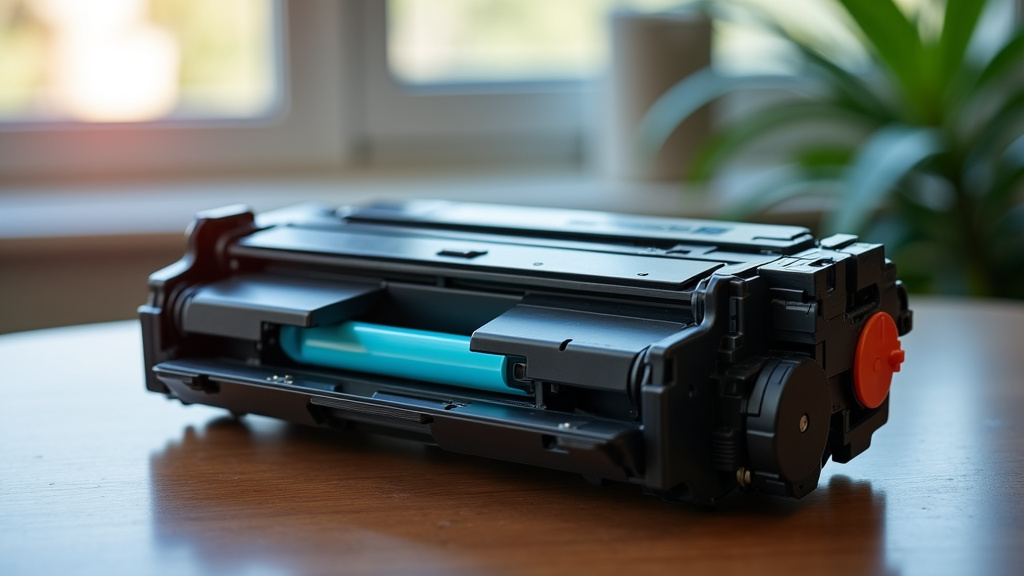
Prevention is much easier than a fix. If you have a spare cartridge, treat it like a fine wine. Store it in a cool, dark, and dry place. A desk drawer inside your home is perfect. A climate-controlled closet is even better.
The ideal temperature range is between 50°F and 85°F (10°C to 30°C). You want to avoid places with large temperature swings. A garage or shed is bad because it gets hot in summer and cold in winter. Those swings cause condensation and promote clumping.
Key Storage Rules to Follow
- Keep it sealed. Don’t open the protective bag until you’re ready to install it.
- Store it upright. This helps keep internal components aligned and prevents powder from settling to one side.
- Avoid sunlight. Direct sun creates heat and UV light, both of which can break down the toner coating.
- Watch the humidity. A basement that gets damp is just as bad as a hot attic. Look for a place with stable, moderate humidity.
- Don’t stack heavy things on it. The cartridge plastic can warp, misaligning the drum or seals.
Preventing Toner Drying: A Quick Checklist
Use this simple guide to keep your backup cartridges ready to go. Checking these boxes can save you from a frustrating print job later.
- Choose the right spot: Cool, dark, and dry is the mantra.
- Keep the original packaging: The bag and box provide excellent protection.
- Rotate your stock: Use the oldest cartridge first. Mark the purchase date on the box.
- Check before buying: Look at the manufacturing date when purchasing a spare. Fresher is better.
- Install promptly: Once opened, try to use the cartridge within six months for best results.
What About Different Types of Toner Cartridges?
The core problem of drying out applies to all laser toner cartridges. However, the cartridge design can make a difference. Some cartridges have better seals. Others use higher-quality toner formulas. We found that original equipment manufacturer (OEM) cartridges often have more advanced toner chemistry. This can make them slightly more resilient.
Third-party or remanufactured cartridges can also be good quality. But their toner formulas and build can vary. Storing them properly becomes even more critical. If you buy remanufactured cartridges, asking the seller about their recommended storage can be a smart move.
Sealed vs. Non-Sealed Cartridges
Most modern cartridges have a pull-tab seal. This seal closes off the toner hopper. Never remove this seal until the moment of installation. Some older or simpler cartridge designs don’t have this