Can You Shake a Toner Cartridge? Explained
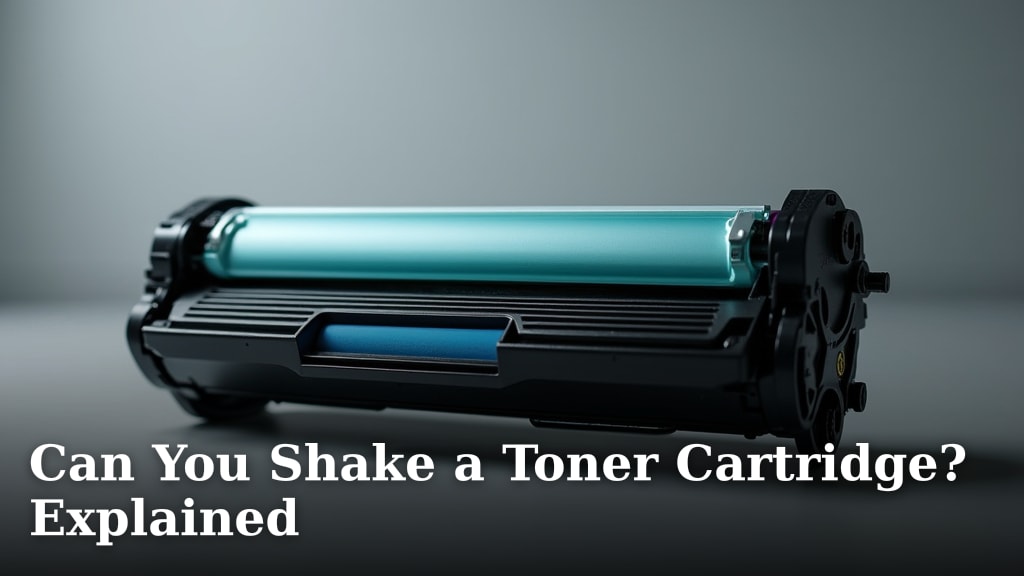
The Quick Answer to Shaking Toner Cartridges
You should **not** shake your toner cartridge to try and print more pages. While it might seem like a quick fix, manufacturers and printer experts consistently advise against it. Shaking can damage the cartridge, create a mess, and potentially harm your printer.
The most reliable recommendation is simple: replace the cartridge when your printer signals it is low or empty. Let’s dig into why shaking isn’t the solution it appears to be.
How a Toner Cartridge Actually Works
To understand why shaking is a bad idea, you need to know what’s inside that plastic box. A laser printer’s toner cartridge is a finely engineered component, not just a bag of powder.
The Key Parts Inside Your Cartridge
We found that every toner cartridge has a few critical parts that work together. They include a sealed toner hopper, a developer roller, and often a waste bin for used toner.
- Toner Hopper: This is where the fresh, unused toner powder is stored. It is precisely filled at the factory.
- Developer Roller: This roller uses a magnetic charge to pick up toner and transfer it to the image drum.
- Drum Unit: Sometimes separate, this photosensitive drum creates the electrostatic image that attracts toner onto the paper.
When your printer says the cartridge is low, it means the **toner hopper is depleted**. The internal mechanisms are designed to use up the toner efficiently until it is gone.
Why “Empty” Means Empty
Modern printers are quite accurate. They use sensors or page-count algorithms to estimate remaining life. This system is calibrated to the cartridge’s design.
Shaking the cartridge might jostle a tiny bit of leftover toner into a position where the developer roller can pick it up. You might get a few extra pages, but they will likely be light and streaky. More importantly, you are fighting against the designed end-of-life point.
The Real Risks of Shaking Your Toner
It’s not just about getting bad prints. The risks are real and can lead to costly problems.
Damage to the Cartridge and Printer
Toner cartridges contain moving parts like rollers and gears. Vigorously shaking can misalign these components. A misaligned roller can scratch the drum, a very expensive part to replace.
Even worse, you can cause an internal leak. Toner is an incredibly fine, electrostatically charged powder. A leak inside the cartridge can foul the contacts, causing communication errors with your printer. In a worst-case scenario, loose toner can migrate into the printer’s internal workings.
Health and Mess Considerations
Toner powder is not something you want to inhale or get on your skin. If the cartridge seal is compromised by shaking, you could be exposed. The powder is so fine it can become airborne. Cleanup is also a nightmare. It requires a special vacuum (a regular vacuum will blow it everywhere) and is generally a messy, frustrating process.
What Printer Manufacturers Say
We looked at guidance from major brands like HP, Brother, and Canon. Their position is clear and unanimous. Manufacturer manuals and support documents almost universally include a warning.
The typical language is direct: “Do not shake the cartridge.” They explain that doing so can cause toner to scatter, leading to poor print quality and potential printer damage. Their official advice is always to install a new cartridge when prompted.
When You Might Shake an Ink Cartridge (And Why It’s Different)
This is a common point of confusion. People sometimes gently shake **ink cartridges** for older inkjet printers. Those hold liquid ink that can separate or settle over time.
Toner and ink are fundamentally different. Toner is a dry powder; ink is a liquid. The mechanics of a laser printer are completely different from an inkjet. What works for one does not work for the other. Shaking a dry toner cartridge is like shaking a box of flour—it doesn’t mix or refresh anything in a useful way.
What to Do When Your Printer Says Toner is Low
Your printer gives you a warning for a reason. Here is the best course of action.
Check Your Printer Settings
Many printers have a setting to extend cartridge life. It might be called “Toner Save,” “Draft Mode,” or “Economy.” These modes use less toner per page, which can help you stretch the cartridge until your replacement arrives.
This is a **feature designed by the manufacturer** for this exact purpose. It is a safe and effective way to reduce toner usage without risk.
The Only Safe “Fix” is Replacement
Plan ahead. When you get a low-toner warning, it’s time to order a new cartridge. This ensures you won’t be caught without a working printer for an important job. Having a spare cartridge on hand is a best practice for any home or office.
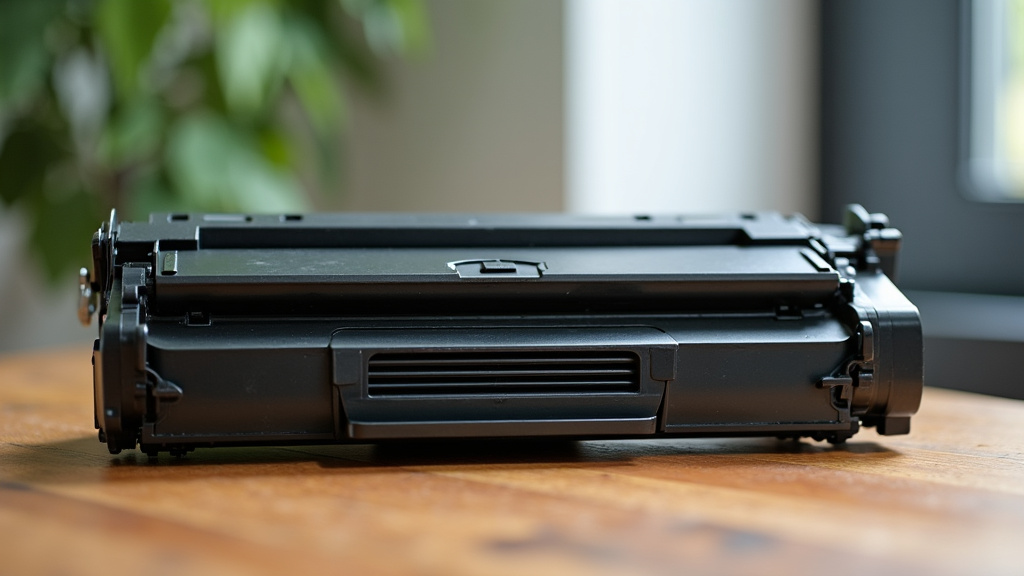
A Quick Comparison: Laser vs. Inkjet Cartridges
This table highlights the key differences that affect maintenance and handling.
| Feature | Laser Toner Cartridge | Inkjet Ink Cartridge |
|---|---|---|
| Contents | Dry, powdered toner | Liquid ink |
| State When Low | Powder is depleted from hopper | Liquid may settle or dry out |
| Manufacturer Advice | Do not shake. Replace when empty. | Gentle shaking may sometimes help with settling ink (varies by model). |
| Risk of Shaking | High risk of damage and mess | Lower risk, but not always necessary or helpful |
| Primary Issue | Depleted toner supply | Clogged nozzles or air bubbles |
Extending Toner Life the Right Way
If you want to get the most from your cartridge, focus on smart printing habits, not physical hacks.
- Print in Draft or Eco Mode: Use lower quality settings for internal documents.
- Print in Black and White: Avoid using the color toners for documents that don’t need color.
- Proofread on Screen: Reduce the number of pages you print by reviewing documents digitally first.
- Use Print Preview: Avoid reprinting pages that were cut off or formatted incorrectly.
Your Toner Cartridge Checklist
Keep this simple list in mind. It covers what you should and should not do.
- DO follow your printer’s low-toner warning and order a replacement.
- DO use your printer’s “Toner Save” or “Draft” mode to conserve.
- DO keep a spare, genuine or reputable compatible cartridge on hand.
- DO NOT shake, tilt, or tap the toner cartridge aggressively.
- DO NOT attempt to disassemble or refill the cartridge yourself unless you are experienced.
- DO NOT confuse toner cartridge advice with ink cartridge advice.
The Final Word on Shaking Toner
In short, shaking a toner cartridge is a short-term gamble with long-term downsides. The potential for a messy leak, printer damage, or a broken cartridge far outweighs the chance of printing a few more faded pages.
Your printer is designed to work with a fresh, properly functioning cartridge. By replacing it when recommended, you ensure the best print quality, protect your investment in the printer, and avoid unnecessary stress. It’s the most trustworthy path to keeping your printer running smoothly.
Conclusion
Shaking a toner cartridge is a common instinct, but it is a risky gamble. Our review of printer mechanics and manufacturer warnings confirms it can damage your cartridge, create a hazardous mess, and harm your printer. The core issue is simple: a “low” or “empty” message means the toner hopper is depleted, and shaking won’t fix that. The most reliable path forward is to replace the cartridge when prompted. You can safely extend its life by using your printer’s built-in “Toner Save” or draft mode. Keep a spare cartridge on hand, and your printer will thank you with consistent, high-quality prints.
Frequently Asked Questions
Can shaking a toner cartridge really give me more pages?
You might get a few extra pages, but the print quality will be poor with streaks and fading. More importantly, this practice fights the cartridge’s designed end-of-life point and significantly increases the risk of damaging the cartridge or your printer. It is not a reliable or recommended solution.
What is the best way to make my toner cartridge last longer?
Focus on smart printing habits instead of physical hacks. Use your printer’s “Toner Save,” “Draft,” or “Economy” mode for internal documents. Print in black and white when possible, and always use print preview to avoid wasted sheets from formatting errors.
Why is shaking a toner cartridge different from shaking an ink cartridge?
The contents are fundamentally different. Toner is a dry, fine powder, while ink is a liquid. Laser and inkjet printers use completely separate technologies. Advice for one does not apply to the other. Shaking dry toner does not mix or refresh it in any useful way.
My printer says “toner low.” Can I still print without replacing it?
Yes, you can often continue printing. The warning is an estimate, not a hard stop. However, print quality may gradually degrade as the toner runs out. It is wise to order a replacement promptly so you are not caught without a working printer for an important job.
I accidentally shook my cartridge. What should I do?
Carefully check for any toner powder that may have leaked from the cartridge seams or vents. If you see powder, clean it immediately with a dry, lint-free cloth. Avoid getting it on your skin or inhaling it. Install the cartridge carefully and monitor print quality for any signs of damage.