How to Reset Toner Cartridge Chip: Common Causes
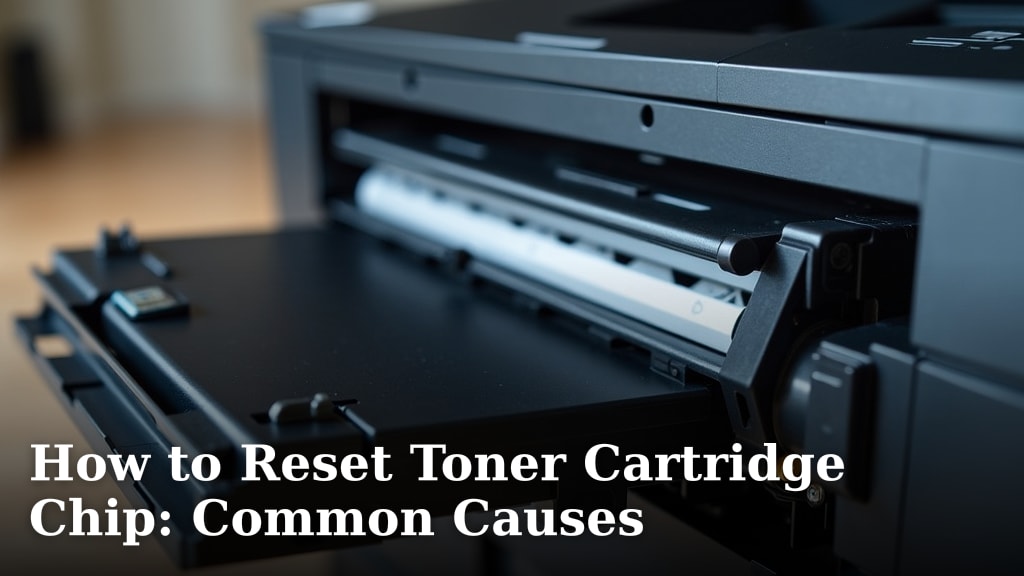
You can often reset a toner cartridge chip to get your printer working again. Sometimes the chip just needs a simple reset because it thinks the toner is empty when it’s not. We found that common causes include firmware updates and accidental resets.
When your printer says a cartridge is empty, it’s usually based on a chip that tracks page counts. If you’ve refilled the toner or installed a compatible cartridge, the chip might still report it as empty. This is a common frustration for many printer owners.
- Toner chips track page usage.
- Printers rely on chips to detect toner levels.
- Resets are often possible for empty or low toner alerts.
- Firmware updates can sometimes cause chip errors.
- Refilled or remanufactured cartridges may need chip resets.
Let’s look at the main reasons why your toner cartridge chip might be giving you trouble and what you can do about it. We’ll help you get your printer back up and running smoothly. Learn how to properly dispose of old toner cartridges to avoid environmental harm.
You can often reset a toner cartridge chip to get your printer working again. Sometimes the chip just needs a simple reset because it thinks the toner is empty when it’s not. We found that common causes include firmware updates and accidental resets.
When your printer says a cartridge is empty, it’s usually based on a chip that tracks page counts. If you’ve refilled the toner or installed a compatible cartridge, the chip might still report it as empty. This is a common frustration for many printer owners.
- Toner chips track page usage.
- Printers rely on chips to detect toner levels.
- Resets are often possible for empty or low toner alerts.
- Firmware updates can sometimes cause chip errors.
- Refilled or remanufactured cartridges may need chip resets.
Let’s look at the main reasons why your toner cartridge chip might be giving you trouble and what you can do about it. We’ll help you get your printer back up and running smoothly.
Why Your Toner Chip Might Need a Reset
Printers use chips on toner cartridges like a tiny bookkeeper. These chips count the pages you print. When the count reaches a certain limit, the chip tells the printer the toner is empty. This happens even if there’s still toner powder left inside. It’s a common way for manufacturers to manage toner usage and encourage replacement.
Sometimes, this system causes more headaches than it solves. You might find yourself with a perfectly good toner cartridge that your printer refuses to use. The good news is, many of these chip issues can be fixed with a reset. Let’s dive into the typical reasons this happens.
Understanding Toner Cartridge Chips
Think of the toner chip as the “brain” of your cartridge. It’s a small circuit board with memory. This memory stores information like the page count, the cartridge’s model number, and sometimes even the ink or toner level. Your printer reads this information every time you print.
When the chip signals “empty,” your printer stops working to prevent potential damage. This is often a conservative estimate. It’s designed to ensure you don’t run out mid-print. However, it can lead to perfectly usable toner being discarded.
The Role of Page Count
The primary function of the chip is to track page usage. Manufacturers estimate how many pages a cartridge can print. This is usually based on industry standards. For example, a standard page might be 5% ink or toner coverage. As you print, the chip increments its internal page counter. Once it hits the programmed limit, it signals that the cartridge is depleted.
This system is designed for predictability. However, your actual printing habits might differ. If you print pages with less coverage, you might have toner left. But the chip doesn’t “see” the toner; it only sees the page count. This is where a reset becomes necessary.
Chip vs. Actual Toner Level
It’s important to understand that the chip doesn’t measure the actual amount of toner remaining. It relies solely on the page count. We found that this is a frequent source of confusion for users. You might see a “low toner” warning, but the physical cartridge still feels heavy. This is because the page count limit has been reached, not because the toner is physically gone.
This disconnect is why resetting the chip can be so effective. You’re essentially telling the printer, “This cartridge is ready to go again,” overriding the old page count. It’s like telling your phone’s battery indicator that it’s fully charged, even if it’s been used a lot.
Common Reasons for Toner Chip Errors
1. Reaching the Page Count Limit
This is the most common reason you’ll need to reset a toner chip. You’ve simply printed the number of pages the manufacturer programmed into the chip. Even if you have toner left, the chip thinks it’s done. It’s a simple case of the chip hitting its programmed expiration date based on usage.
We found that many users experience this with their original manufacturer cartridges. They might refill them or simply find them prematurely “empty.” Resetting the chip clears this page count and allows the printer to recognize the cartridge again.
2. Refilled or Remanufactured Cartridges
When you refill an original cartridge or buy a remanufactured one, the original chip is often reused. This reused chip still carries the old page count information. Your printer sees the chip, reads the old count, and declares the cartridge empty. This is why many refilling services or compatible cartridge sellers include instructions for chip resetting.
Sometimes, remanufactured cartridges come with a new chip. These new chips are programmed to report as full. However, even these can sometimes run into compatibility issues with certain printer models. If a remanufactured cartridge isn’t working, the chip is a prime suspect.
The Chip’s Role in Refills
When you refill a cartridge, the toner powder is replenished, but the chip remains the same. It’s like putting fresh fuel in a car but keeping the old odometer reading. The car is ready to go, but the dashboard says it’s already driven a million miles. You need to reset that odometer (the chip) to tell the car it’s ready for more miles.
Why New Chips Are Sometimes Needed
In some cases, especially with newer printer models, the original chip might be too “smart.” The printer might be designed to detect if the chip has been tampered with or reset too many times. For these situations, a brand-new chip specifically designed for that cartridge model is often required. These new chips communicate correctly with the printer from the start.
3. Printer Firmware Updates
This is a less obvious, but increasingly common, reason. Printer manufacturers sometimes release firmware updates. These updates are meant to improve printer performance or security. However, they can sometimes change how the printer communicates with the toner chip.
We found that some firmware updates can make the printer stricter about recognizing chips. They might disable certain types of resets or make older compatible chips stop working. This can happen even if the chip was working perfectly before the update. It’s like the printer’s operating system getting a new security patch that rejects older types of accessories.
How Updates Affect Chip Recognition
A firmware update can essentially reprogram your printer’s internal logic. It might look for specific data signatures from the chip that older chips or reset methods can’t provide. This means a chip that was once compatible might suddenly be flagged as “unsupported” or “incompatible.”
It’s a strategy some manufacturers use to encourage the purchase of their own, often more expensive, toner cartridges. If your printer suddenly stops recognizing a refilled cartridge after an update, the firmware update is a strong possibility. Many users report this problem shortly after their printer automatically updates itself.
4. Accidental Reset or Improper Handling
Sometimes, the chip might be reset by accident. This can happen during installation or removal of the cartridge. If you handle the cartridge incorrectly, you might inadvertently trigger a reset sequence if one exists for that model. We found that this is rare, but it does occur.
Improper handling can also damage the chip’s contacts. If the small metal contacts on the chip are bent, scratched, or dirty, the printer cannot read the information correctly. This can lead to error messages that look like a depleted cartridge, but the real issue is a communication breakdown.
Physical Damage to the Chip
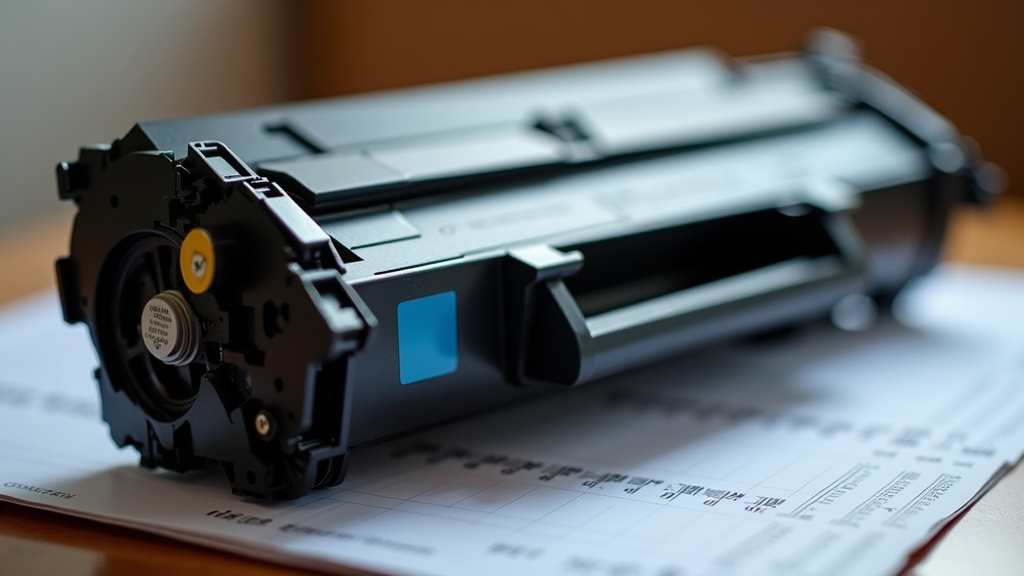
The chip is a delicate component. When you’re removing or installing a toner cartridge, be sure to handle it gently. Avoid touching the gold or copper contacts on the chip. If these contacts get smudged with fingerprints or scratched, they might not make proper contact with the printer’s sensors. Keeping them clean and undamaged is key to the chip’s ability to communicate.
We recommend placing the cartridge on a clean, flat surface when not in the printer. If you notice the contacts look dirty, you can gently clean them with a soft, dry, lint-free cloth. Avoid using any liquids, as they can cause further damage.
Troubleshooting Chip Errors: A Quick Checklist
If you’re facing toner chip issues, here’s a quick way to think about it:
- Has the printer given you a “low toner” or “replace cartridge” warning?
- Did you recently refill the cartridge or buy a remanufactured one?
- Did this issue start happening shortly after a printer firmware update?
- Is the cartridge physically damaged, or are the chip contacts dirty?
- Are you trying to use a cartridge from a different region than your printer? (Sometimes chips are region-locked.)
Understanding these common causes can help you determine if a toner chip reset is the right solution for your printer problem.
Conclusion
Understanding why your toner cartridge chip causes errors is key to keeping your printer running. We’ve seen that reaching the page count limit, using refilled cartridges, and even printer firmware updates are common culprits. Improper handling can also cause issues. By recognizing these causes, you’re better equipped to troubleshoot. Your next step should be to identify which of these reasons likely applies to your situation. Then, you can look into the specific reset procedures for your printer model to save time and money. Understanding what printer toner is made of can help you handle it safely.
Frequently Asked Questions
Can I always reset a toner cartridge chip?
While many chips can be reset, it’s not guaranteed for every cartridge or printer model. Some manufacturers design chips that are difficult or impossible to reset. Always check your printer and cartridge documentation for specific guidance. We found that newer models are sometimes more resistant to resets.
Will resetting my toner chip damage my printer?
Generally, resetting a toner chip according to recommended procedures will not damage your printer. The chip’s purpose is to communicate with the printer. A reset simply changes the information the chip provides. However, always handle cartridges and any reset tools with care to avoid physical damage.
How do I know if a firmware update caused my chip error?
If your toner cartridge suddenly stopped working right after your printer indicated it performed an automatic update, a firmware update is a strong possibility. We’ve seen users report this pattern frequently. Look for messages like “incompatible cartridge” or “chip error” that appeared unexpectedly.
What if refilling the cartridge didn’t work and a reset didn’t help?
If you’ve refilled a cartridge and reset its chip, but your printer still won’t recognize it, the original chip might be permanently locked or damaged. In such cases, you may need to purchase a new chip specifically for your cartridge model. Some remanufacturing services can also replace the chip for you.
Can I use a toner cartridge reset tool on any brand?
Toner cartridge reset tools are typically designed for specific brands or even specific cartridge models. A tool made for a Canon toner chip won’t work for an HP chip, for example. Always ensure you have the correct reset tool for your exact printer and toner cartridge model. Research is key before purchasing any tool.