Why Does Toner Cartridge Leak When Replacing?
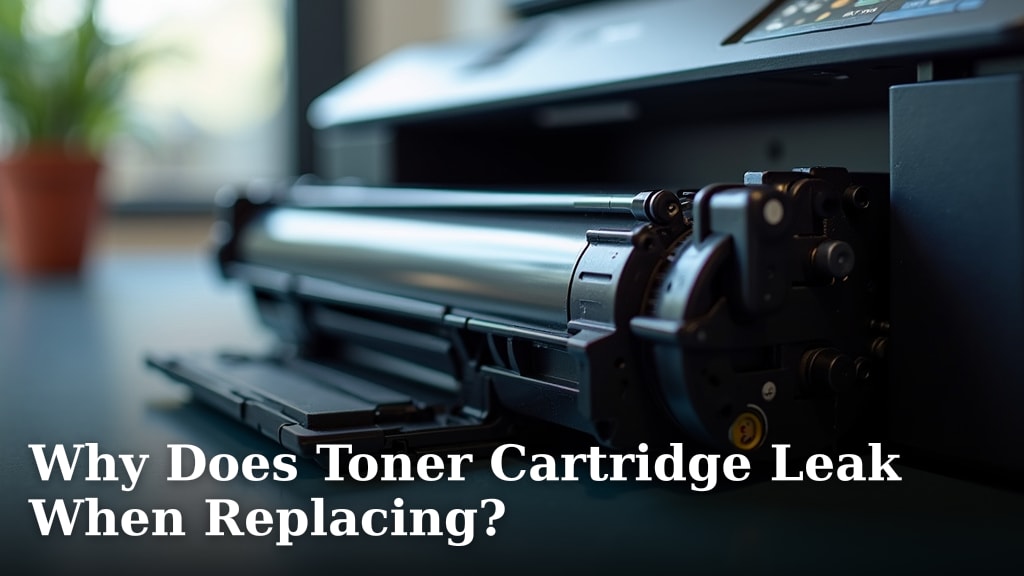
Toner cartridge leaks happen because of a few common reasons when you replace them. You might see toner powder spill if the sealing tape wasn’t removed properly or if the drum unit is damaged. It’s also possible the cartridge itself wasn’t seated correctly in the printer, or it might be a faulty unit. Don’t worry, it’s usually a fixable problem.
Dealing with a leaked toner cartridge can feel messy. When this happens, you’ll likely find fine powder around the cartridge area. This powder is toner, and it’s what creates your printed pages. It’s important to clean it up carefully to avoid spreading it further. We found that many shoppers wonder about the best way to handle this messy situation.
TL;DR:
- Toner leaks often happen during replacement.
- Common causes include improper tape removal or drum damage.
- Incorrect cartridge seating can also lead to spills.
- A faulty cartridge is another possibility.
- Cleaning up toner powder needs care.
Below, we’ll walk you through exactly why your toner cartridge might be leaking and what you can do to fix it.
When Toner Cartridges Leak During Replacement
It’s frustrating when a brand-new toner cartridge decides to make a mess. You’re ready to print, and suddenly you see black powder everywhere. This usually happens right when you’re swapping out the old cartridge for the new one. Let’s figure out why this happens and how you can prevent it from ruining your day.
We’ve found that most toner leaks aren’t a sign of a major printer problem. They are often caused by simple steps missed during the replacement process. Knowing these common culprits can save you a lot of cleanup time.
Common Causes for Toner Leaks
Improper Removal of Sealing Tape
Most new toner cartridges come with special sealing tape. This tape is crucial for keeping the toner inside during shipping. It seals off the toner opening and protects the sensitive drum. If you don’t remove this tape completely, or if you forget it entirely, toner can escape when you insert the cartridge.
Think of it like a ketchup bottle with the cap still on. You won’t get any ketchup out, no matter how hard you squeeze. Similarly, if the sealing tape is still in place, the toner has no way to flow correctly into the printer mechanism. When you force it, or when the printer tries to move it, the powder can get pushed out around the edges.
What to Look For
Before you even touch a new cartridge, check the manufacturer’s instructions. They usually show you exactly where the tape is and how to pull it out. Often, there’s a little tab or handle. If you don’t see any tape, that’s usually a good sign. If you do find tape, make sure you pull it out until it’s completely detached from the cartridge body.
Damage to the Drum Unit
The drum unit is a vital part of your laser printer. It’s a cylindrical component that receives the toner and transfers the image to the paper. If the drum is scratched, dented, or otherwise damaged, it can cause toner to leak. This damage can happen during shipping, handling, or even during a previous cartridge replacement.
Imagine trying to roll a perfectly smooth ball on a surface with tiny pebbles. The pebbles would disrupt the ball’s path. A damaged drum acts like those pebbles. It creates rough spots or gaps where toner can spill out. This is why you might see a fine powder dusting the inside of your printer around the drum area.
Signs of Drum Damage
Sometimes, drum damage is visible as faint lines or smudges on the drum surface. You might also notice print quality issues, like streaks or spots, that don’t go away after replacing the toner. If you suspect the drum is damaged, it’s best to consult your printer’s manual or contact customer support. In some printers, the drum is part of the toner cartridge; in others, it’s a separate component that needs its own replacement.
Incorrect Cartridge Seating
Getting the toner cartridge seated properly is like clicking a puzzle piece into place. It needs to fit snugly and in the correct orientation. If the cartridge isn’t pushed in all the way, or if it’s tilted, it can create small gaps. Toner can then leak out from these openings.
Think about installing a battery. If you don’t push it in firmly, the device might not work. And if it’s slightly crooked, it might not make proper contact. A toner cartridge is similar. It has specific guides and locking mechanisms. If these aren’t engaged, the cartridge won’t be sealed within the printer.
How to Ensure Proper Seating
When you install a new toner cartridge, take your time. Follow the arrows and guides on both the cartridge and the printer. You should feel a distinct click or a smooth, firm stop when it’s properly in place. Gently try to wiggle the cartridge after installation. If it feels loose or moves easily, it’s likely not seated correctly.
Faulty or Damaged Cartridge
While less common, it’s possible that the toner cartridge itself is defective. This could be due to a manufacturing error or damage that occurred after it left the factory. Sometimes, a cartridge might have a small crack in its casing or a poorly sealed component, allowing toner to escape.
Consider a brand-new jar of pickles. If the lid isn’t sealed properly from the start, some brine might leak out in transit. A toner cartridge can have similar manufacturing defects. We found that sometimes, even with perfect installation, a faulty cartridge can be the source of the leak.
What to Do with a Faulty Cartridge
If you suspect the cartridge is faulty, don’t try to force it or use it. Check your warranty information. Most manufacturers offer replacements for defective cartridges. Keep the original packaging if possible. This can be helpful when you contact customer support to explain the issue.
Internal Printer Issues
Occasionally, the problem might not be the cartridge itself but an issue within the printer. For example, if the area where the cartridge sits is damaged or has foreign objects, it could prevent a proper seal. This might happen if a piece of the old cartridge broke off inside the printer, or if dust and debris have accumulated.
Imagine trying to fit a clean piece of furniture into a room filled with clutter. The clutter prevents the furniture from sitting right. Similarly, debris or damage inside your printer can interfere with how the toner cartridge seats. This can lead to toner leaks, even with a perfectly good cartridge.
Troubleshooting Internal Printer Problems
If you’ve ruled out the cartridge itself, take a look inside the printer. Use a flashlight to check the cartridge compartment for any obstructions or visible damage. Many printer manuals include instructions on how to carefully clean the interior. Always unplug your printer and allow it to cool down before attempting any internal cleaning.
Why Toner Powder is Messy
Toner powder is essentially a very fine plastic powder mixed with pigment. Its fineness is what allows it to adhere to the drum and transfer to paper, creating sharp text and images. However, this fineness also makes it incredibly messy when spilled. Learn what toner powder is made of and why it’s so messy with our guide to printer toner ingredients.
Unlike liquid ink, toner doesn’t smudge in the same way. Instead, it’s a dry powder that can easily become airborne. This means a small spill can quickly spread. We found that the electrostatic properties that help toner stick to paper can also make it cling to surfaces, clothing, and even your skin.
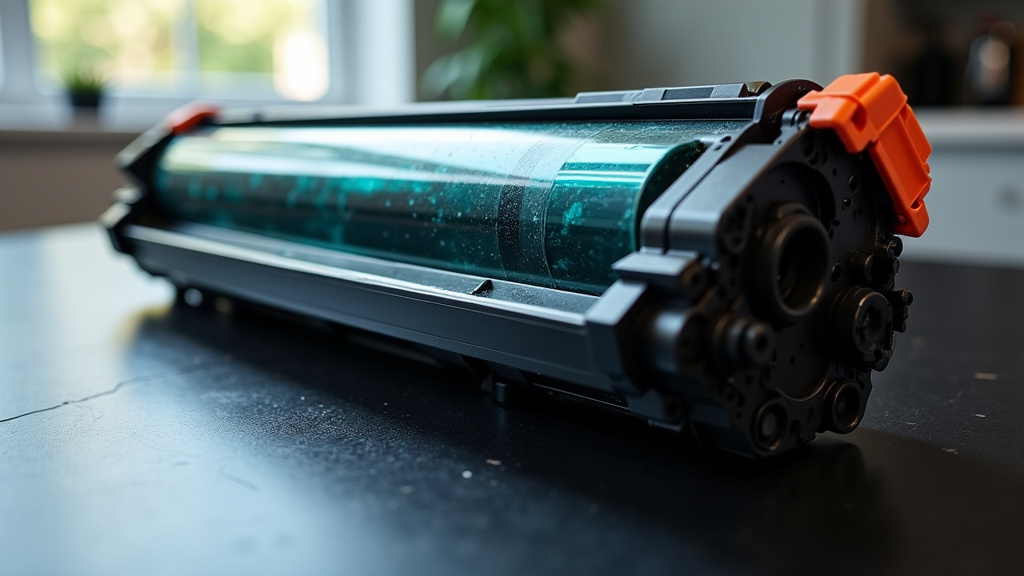
Cleaning Up a Toner Spill Safely
Cleaning up toner requires a specific approach. Using a regular vacuum cleaner can actually make the problem worse. The fine toner particles can clog your vacuum filter or even get blown back into the air, spreading the mess further. Some vacuum cleaners are not designed to handle fine dust like toner.
Many experts suggest using a HEPA-filter vacuum if you have one specifically designed for fine particles. If not, a damp cloth or paper towels can work for surface spills. Gently wipe up the powder without pressing too hard. For larger spills, it’s often best to use a dry cloth or a soft brush to sweep the bulk of the powder into a trash receptacle.
The Environmental Protection Agency (EPA) recommends avoiding dry sweeping as it can aerosolize the particles (EPA).
Steps for a Clean-Up Checklist
Here’s a quick checklist to help you manage a toner spill:
- Ventilate the area: Open windows if possible.
- Protect yourself: Wear gloves and a mask if you have one.
- Avoid vacuuming (unless HEPA): Use a dry cloth or soft brush first.
- Wipe gently: Don’t rub, just lift the powder.
- Bag and dispose: Seal the mess in a plastic bag before throwing it away.
- Clean tools: Wash any cloths or brushes used.
Taking these steps can help minimize the spread and make the cleanup much more manageable. Remember, patience is key when dealing with toner.
Preventing Future Leaks
The best way to avoid toner leaks is to be mindful during the replacement process. Always read your printer’s manual for specific instructions. Take your time and ensure each step is completed correctly. Prevent future toner leaks by learning how to make your toner last longer with smart printing habits.
We found that users who take a moment to double-check the sealing tape and ensure a firm, correct seating of the cartridge report fewer issues. It’s a small effort that can save you a big cleanup. If you ever encounter a leak that seems persistent or causes print quality problems, don’t hesitate to check your printer’s warranty or seek professional help.
Conclusion
You’ve learned that toner cartridge leaks during replacement are usually caused by simple oversights, not major printer failures. We found that ensuring the sealing tape is fully removed and the cartridge is seated correctly are the most common solutions. Sometimes, a damaged drum or a faulty cartridge is the culprit. By taking your time and following instructions carefully, you can prevent most spills. If a leak does happen, remember to clean it up gently without spreading the powder. Your next step is to always double-check these key steps whenever you replace your toner.
Frequently Asked Questions
Can I just ignore a small toner leak?
It’s best not to ignore even a small toner leak. Toner powder is very fine and can get into your printer’s delicate mechanisms, potentially causing damage or future print quality issues. Cleaning it up promptly will protect your printer.
What if I vacuumed up some toner?
If you used a regular vacuum, the fine toner particles might have clogged the filter or dispersed into the air. You may need to clean or replace your vacuum filter. Check your printer’s manual for any specific cleaning instructions for areas where toner may have spread.
Is toner powder dangerous to breathe?
While not considered highly toxic, toner powder is a fine particulate. It’s advisable to avoid inhaling it. Wearing a mask and ensuring good ventilation during cleanup is a good practice to protect your respiratory system.
My new cartridge leaked immediately. Is it bad?
Not necessarily. If it leaked right out of the box, it’s likely a faulty cartridge or damage that occurred during shipping. Contact the place you bought it from for a replacement and make sure to note the troubleshooting steps for future installations.
How often should I replace my toner cartridge?
Toner cartridges don’t have a strict expiration date like food, but they do degrade over time. Check your printer’s page yield or consider replacing it if your print quality declines or if the printer indicates it’s low on toner, even if it hasn’t been fully used.